Press Kit
MyFocus
MyFocus
Press Kit
Everything you need to cover MyFocus — assets, facts, quotes, and a press release ready to use.
Everything you need to cover MyFocus — assets, facts, quotes, and a press release ready to use.
App Overview
App Name
MyFocus
Tagline
3 Tasks. Total Focus. Done.
Category
Productivity
Platform
iOS 17+
Price
$3.99 one-time
Privacy
No account, no tracking, data stays on device
App Store
Website
Press Contact
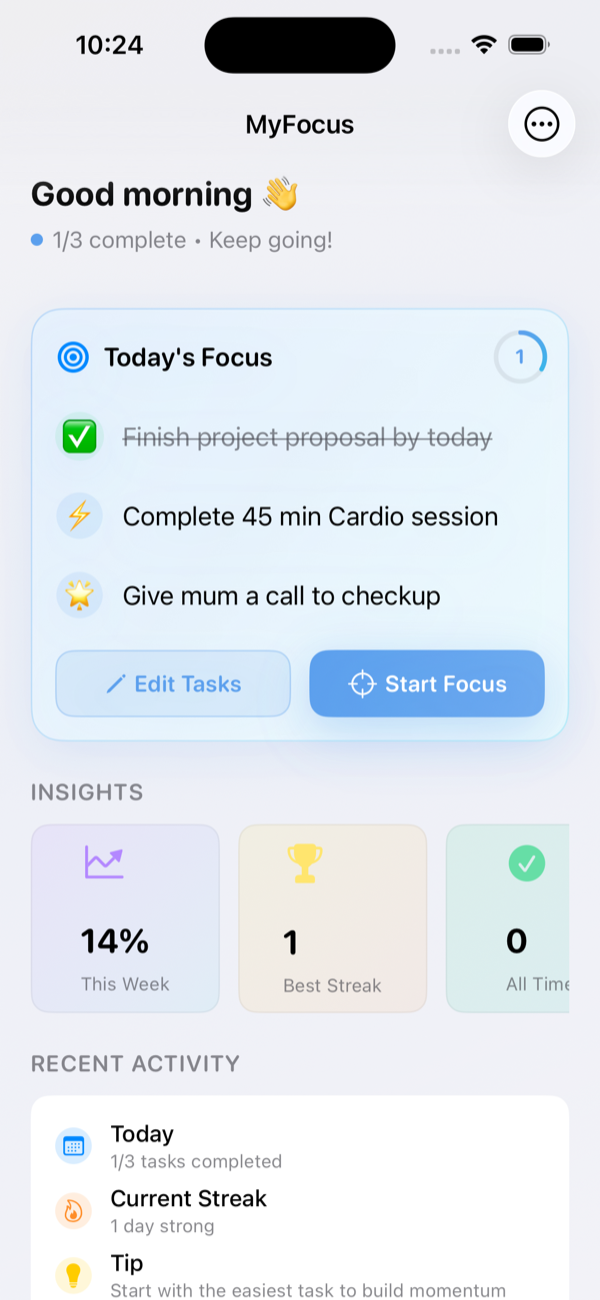
MyFocus is a productivity app that solves overwhelm by limiting users to exactly 3 tasks per day. Built for overthinkers who struggle with endless to-do lists, MyFocus enforces clarity through constraint — forcing the one question that actually matters: what are the 3 most important things today?
Key Features
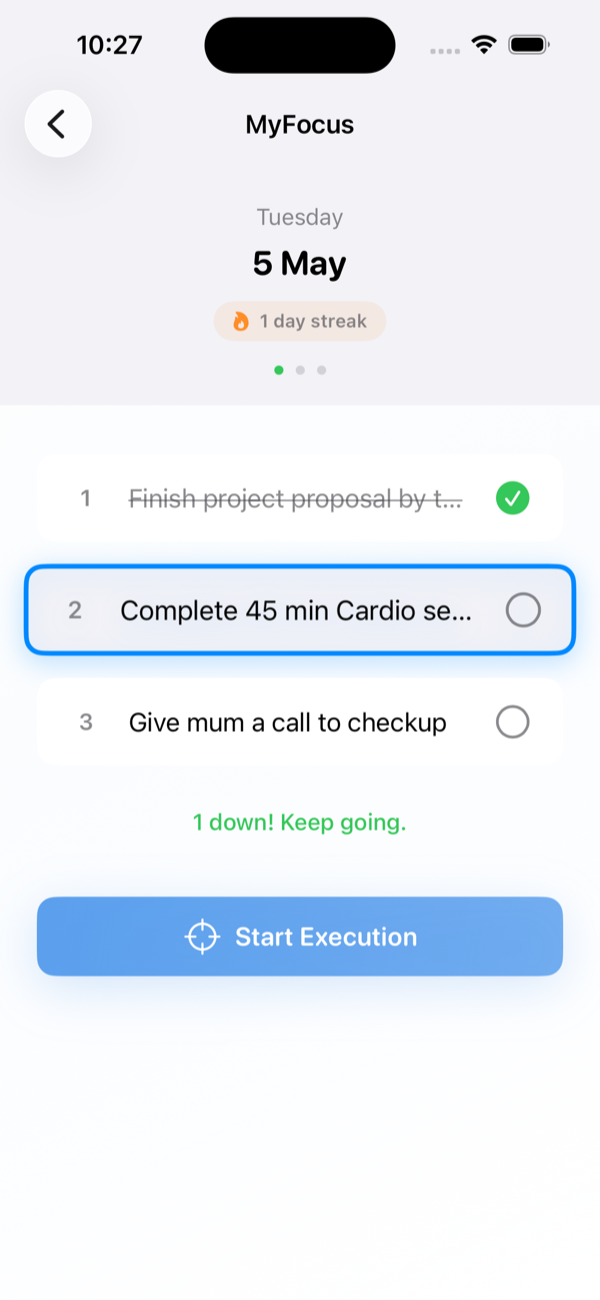
Hard limit of 3 tasks per day. The constraint is the feature — not a restriction.
AI suggestions turn vague tasks into specific actions. "Email mum" becomes "Call mum about Thanksgiving plans."
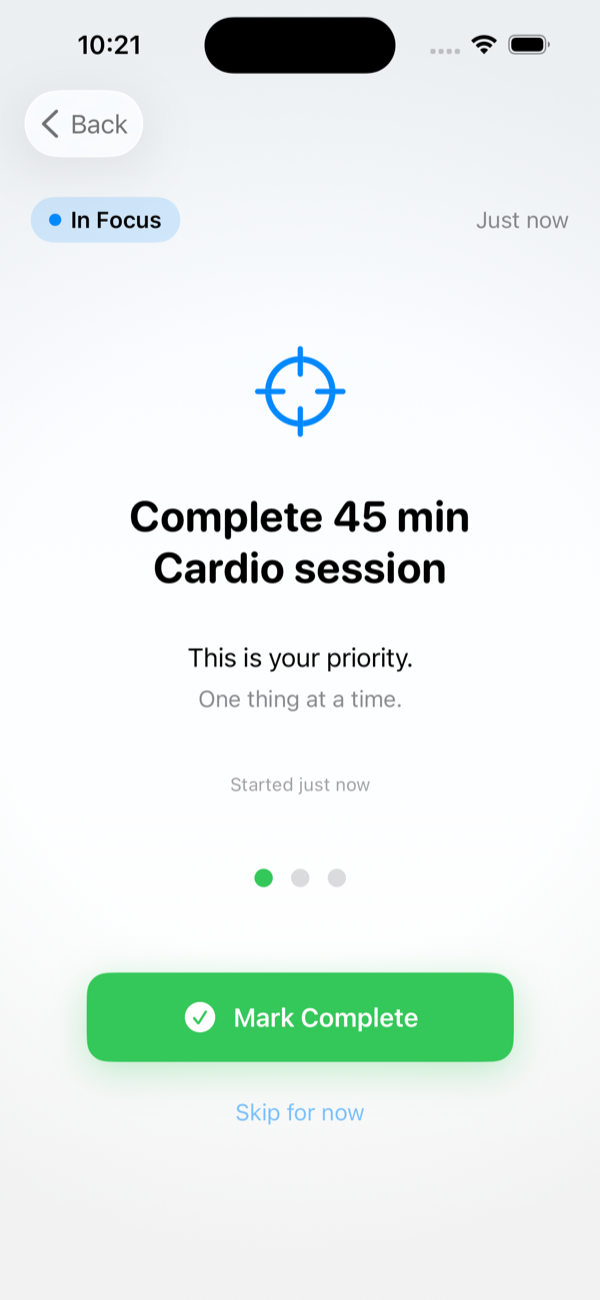
Distraction-free, full-screen execution. One task at a time, nothing else in view.
Daily streak builds with every completed day. Miss a day and it resets. Simple, effective accountability.
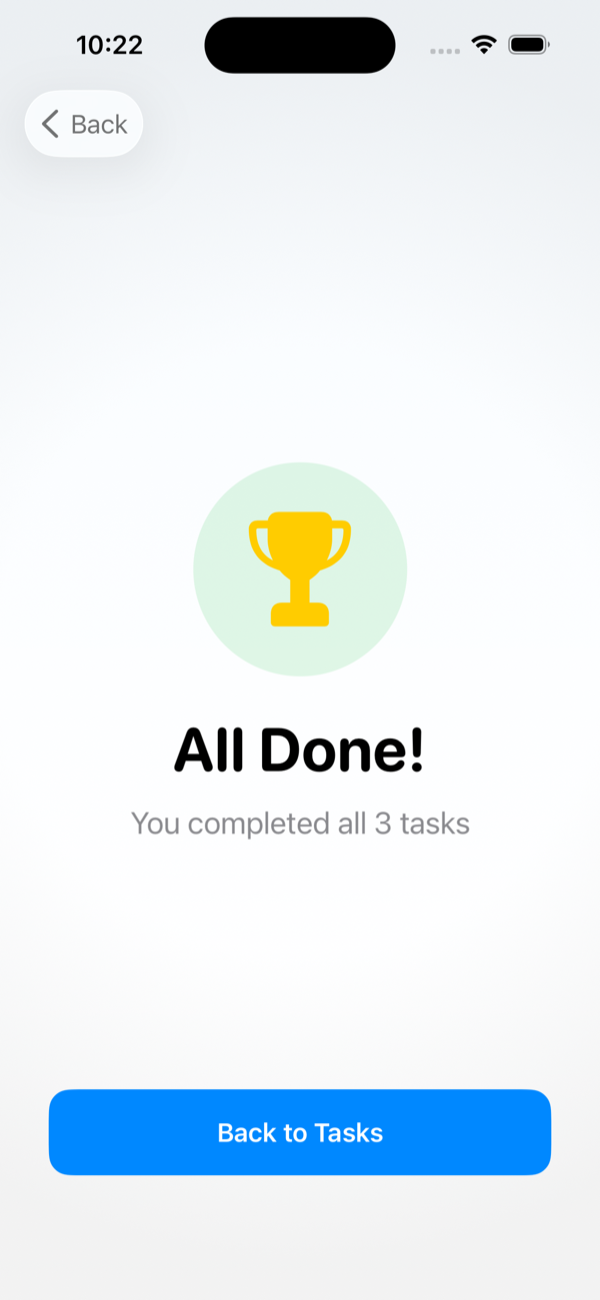
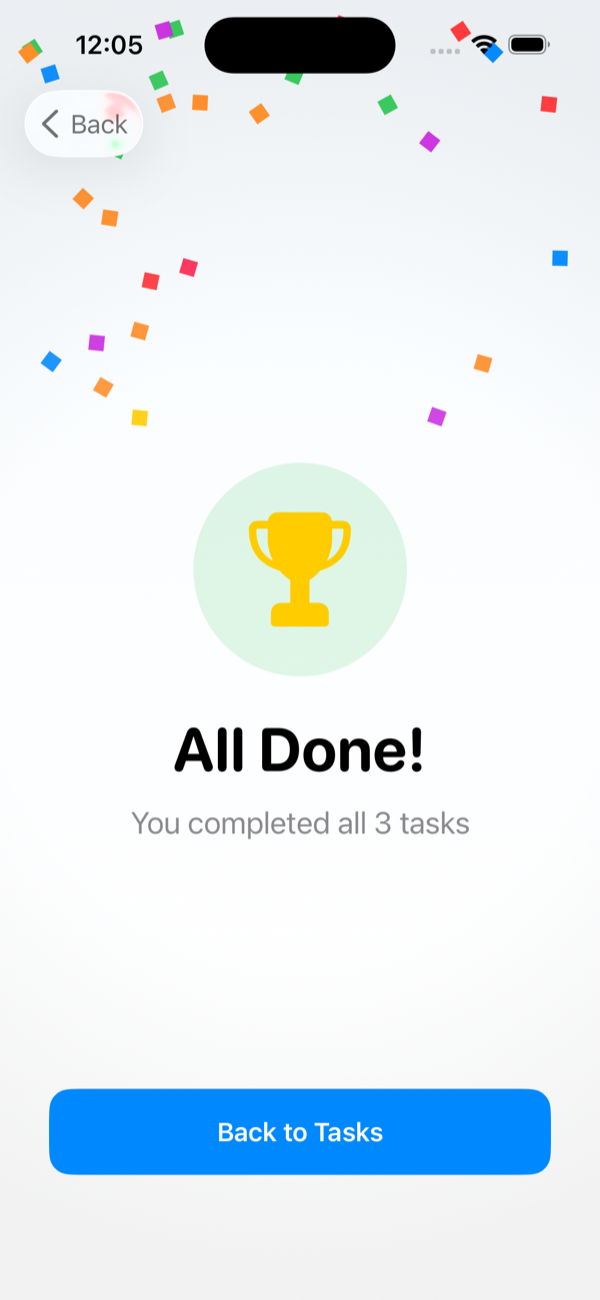
Finish all 3 tasks and feel it. A satisfying moment marks every win — because finishing deserves to be acknowledged.
Dynamic Type, Reduce Motion, and VoiceOver support built in from day one. WCAG AA compliant.
Four screens. One clear purpose. Pick your 3 tasks, focus, complete, and feel it.
Press Release
Melbourne, Australia — Available now on the App Store
Today marks the launch of MyFocus, a productivity app that challenges conventional wisdom by doing something most apps refuse to do: telling users "no."
While traditional to-do apps allow unlimited task-adding — Todoist users average over 40 tasks — MyFocus gives users exactly three slots per day. When they're full, that's it.
"I had 87 tasks in my to-do app and completed 2," says Michael, creator of MyFocus. "The app that was supposed to help me manage my work was making things confusingly worse. I built MyFocus to fix that."
The app is built on a simple insight: people can meaningfully focus on only 2–3 significant tasks per day. Everything else is noise. By limiting users to three tasks, MyFocus forces the one question that actually matters: what is most important today?
"The constraint of 3 tasks isn't limiting — it's liberating," Michael explains. "When your day is limited to 3 priorities, there's nothing to hide behind. You know exactly what to do next."
MyFocus is a one-time purchase of $3.99. No subscriptions, no ads, no in-app purchases, no data collection, no upsells. All data stays on the user's device. No account required.
MyFocus is available on the iOS App Store for iPhone running iOS 17 or later.
FAQ
About the App
What is MyFocus?
An iOS productivity app that limits you to 3 tasks per day — forcing you to identify and act on what actually matters.
Why only 3 tasks?
Research shows people can meaningfully focus on 2–3 significant tasks daily. More tasks lead to scattered attention, decision fatigue, and the feeling of being busy without being productive.
What if I have more than 3 things to do?
That's the point. The question isn't "what do I need to do?" — it's "what are the 3 most important things today?" The constraint forces prioritisation.
What happens to incomplete tasks?
Tasks reset every day. Incomplete tasks don't carry forward — each morning is a fresh start. This is intentional: yesterday's priorities may not be today's.
Features
What is Task Sharpening?
An AI feature that turns vague tasks into specific, actionable steps. "Email mum" becomes "Call mum about Thanksgiving plans." It reduces the mental overhead of getting started.
What is Focus Mode?
A distraction-free, full-screen interface that shows one task at a time. Nothing else on screen — just you and the task.
Does it sync across devices?
Not in v1.0. All data is stored locally on device. Optional iCloud sync is planned for a future update.
Pricing & Privacy
How much does it cost?
$3.99 — a one-time payment. No subscriptions, no in-app purchases, no hidden costs.
Are there ads?
No ads, no tracking, no data collection. Ever.
Where is data stored?
100% locally on your device. Nothing is sent to any server.
Founder
Michael is a Digital Product Manager based in Melbourne, Australia and the creator of MyFocus. He works in a fast-paced corporate fintech environment — the kind of role where hundreds of things compete for attention every day.
After years of juggling endless to-do lists and feeling perpetually behind, he realised his productivity apps were contributing to the problem. "I had 87 tasks and completed 2. The app that was supposed to help me manage my work was making things confusingly worse." He built MyFocus to fix that — for himself and everyone else who recognises that feeling.
"The constraint of 3 tasks isn't limiting — it's liberating."
"I had 87 tasks and completed 2. To-do apps were making things confusingly worse."
"Productivity tools should reduce anxiety, not create it."
Media Assets

High-resolution app icon. Use on white or light backgrounds. Do not add drop shadows or alter the shape.
Download IconPress enquiries, interview requests, review copies — one email gets you there.
press@myfocusapp.com